
AI interface (MCP)
Connect OrphyCRM to your AI assistant, for example Claude or ChatGPT. It works directly with your Orphy data — you say in your own words what needs doing.
See the connection in a callWhat is MCP?
The Model Context Protocol (MCP) is a widely used open standard that lets AI assistants work with business applications. Orphy provides its own interface for it. Your assistant then knows not only general knowledge but also your contacts, companies and tasks.
What your assistant can do with it
Instead of filling in forms, write or say what you need.
-
Search contacts and companies
Which contacts do we have at Sample Ltd?
-
Create tasks
Create a task for me: call Peter Miller on Friday.
-
Complete tasks
Mark the task ‘Call back Peter Miller’ as done.
-
Record activities
Note that I spoke to Anna Smith on the phone today.
-
Look up quotations
Show me the latest quotations to Example Inc.
-
Look up hours
How many hours did we record for Sample Ltd in September?
These sentences are examples — phrase things however you like.
You stay in control
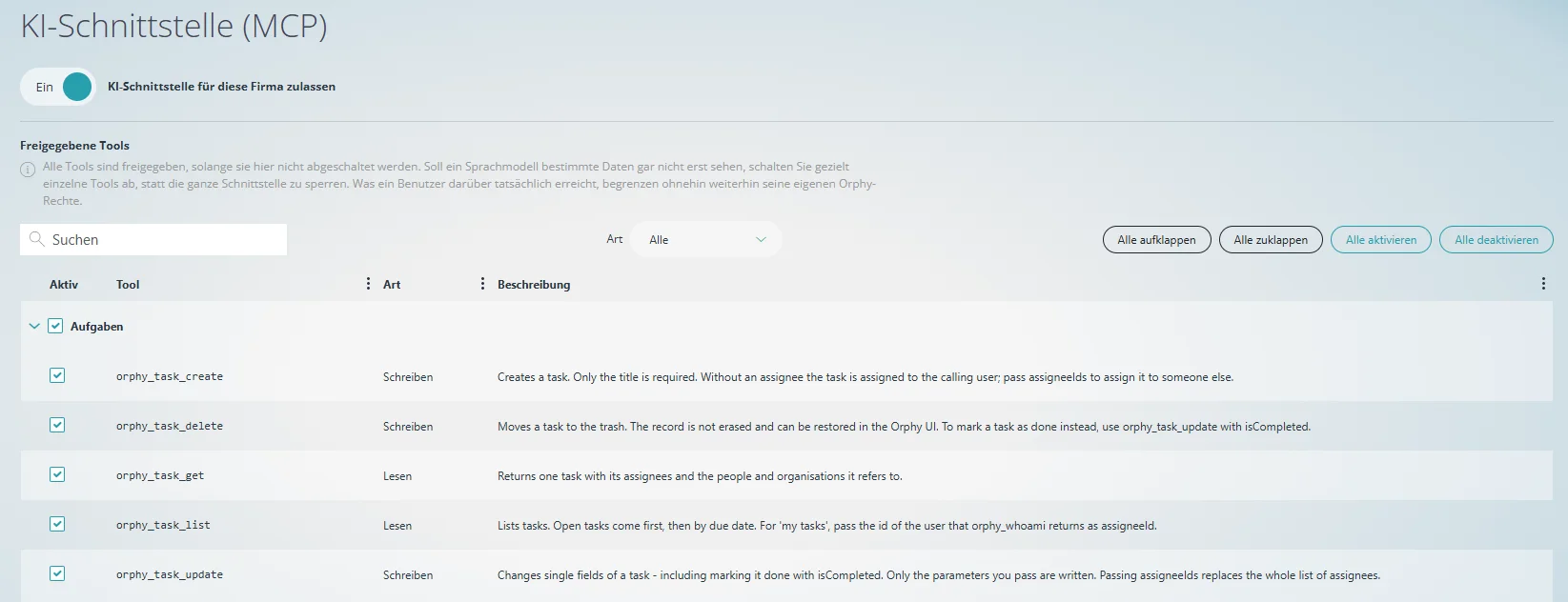
- The interface is only active once a company administrator allows it for your company.
- Every tool is marked as reading or writing.
- Individual tools or entire groups can be switched off — for all users in your company. That way, certain data never reaches a language model.
- The usual Orphy permissions apply: through the interface, nobody reaches anything they could not see or change in Orphy anyway.
- If the assistant deletes a task, it goes to the trash and can be restored.
Switch it on in two steps
Once, by a company administrator.
-
Open the tile
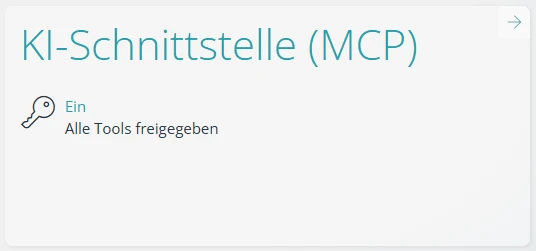
In Orphy, open the settings and then the tile “KI-Schnittstelle (MCP)”.
-
Allow the interface
Turn on the switch “KI-Schnittstelle für diese Firma zulassen”. That is all — by default, every tool is allowed.
You receive the connection details for your AI assistant from us in the call — we set up the connection together there.
Try it
Test the interface in your environment. We are happy to show you in a short call what the connection to your AI system looks like in practice.
See the connection in a call